
Admin Analytics
The Admin workspace gives authorized users visibility into portal usage, indexing, chat, vector costs, and search performance.
Open the Admin workspace from the left navigation. The direct path is /app/admin.
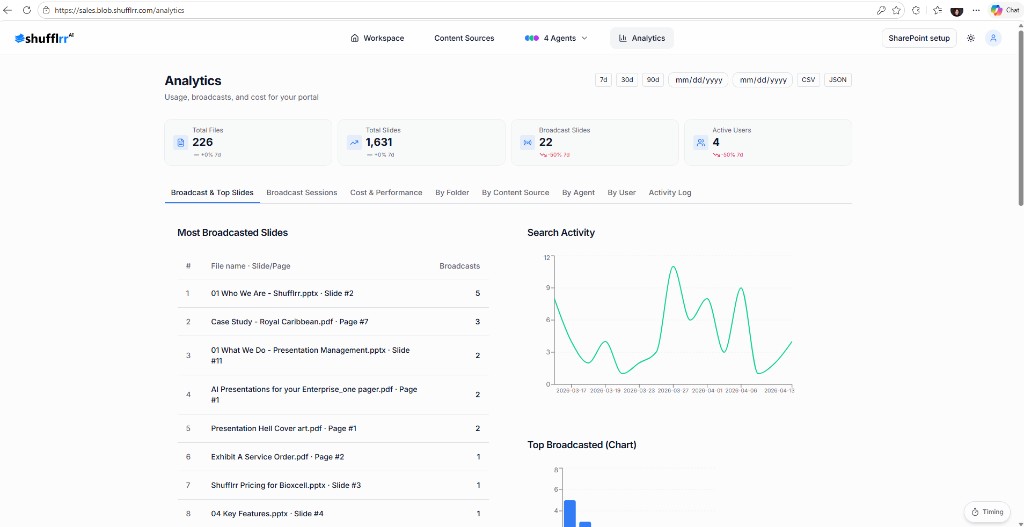
Portal usage
The Portal usage view provides cross-portal rollups such as:
- Users
- Folders
- Files
- Slides
- Cost rollup
Select a portal number when you need to inspect the available details for that portal.
Search performance
Open Search performance from the Admin navigation to review search-related metrics and behavior.
Note: Admin pages and portal-level records are role-restricted. If the Admin option is not visible, contact your portal administrator.